
All the support you need to manage your website

With Watman Web Design, you can rest assured that you will always benefit from exceptional support. As a customer service focused agency, we are always striving to ensure you have all of the help and guidance you need through your online journey.

Here you will find a selection of guides and resources to help you manage and update your website as well as useful information for 3rd party services such as email clients, Social Media, Google tools and much more.
Need some help?

Drop us a message and we'll be in touch to help!

Request Support

 
CMS Tools & Features

CMS Tools & Features

View the specification for the core admin features and tools of your website CMS. You will also be introduced to some of the main front end features available for use on your website.

Ecommerce Tools and Features

Ecommerce Tools and Features

Your CMS provides a comprehensive ecommerce suite to manage your online store. The extensive features in our platform allow you to control all of your products, categories, stock, orders, delivery, invoicing and much more.

CMS SEO Tools and Features

CMS SEO Tools and Features

An overview of the SEO suite of tools and features in your Content Management System. Perfectly optimise your website for the highest performance in search results.

Social Media Overview

Social Media Overview

Understand what Social Media is all about and how it can help your business online, generate traffic for your website and build strong customer relationships.

Social Media Profile Creation

Social Media Profile Creation

A Social Media Profile is a reflection of your business in the social spotlight. This is why the structure, imagery and information must accurately represent your company separating you from your competitors.

Understanding Social Media Management

Understanding Social Media Management

A strong social media presence is crucial to the marketing and promotion of most businesses in this digital age. It is important to dedicate the required time and resources to manage your Social Media Campaign in house.

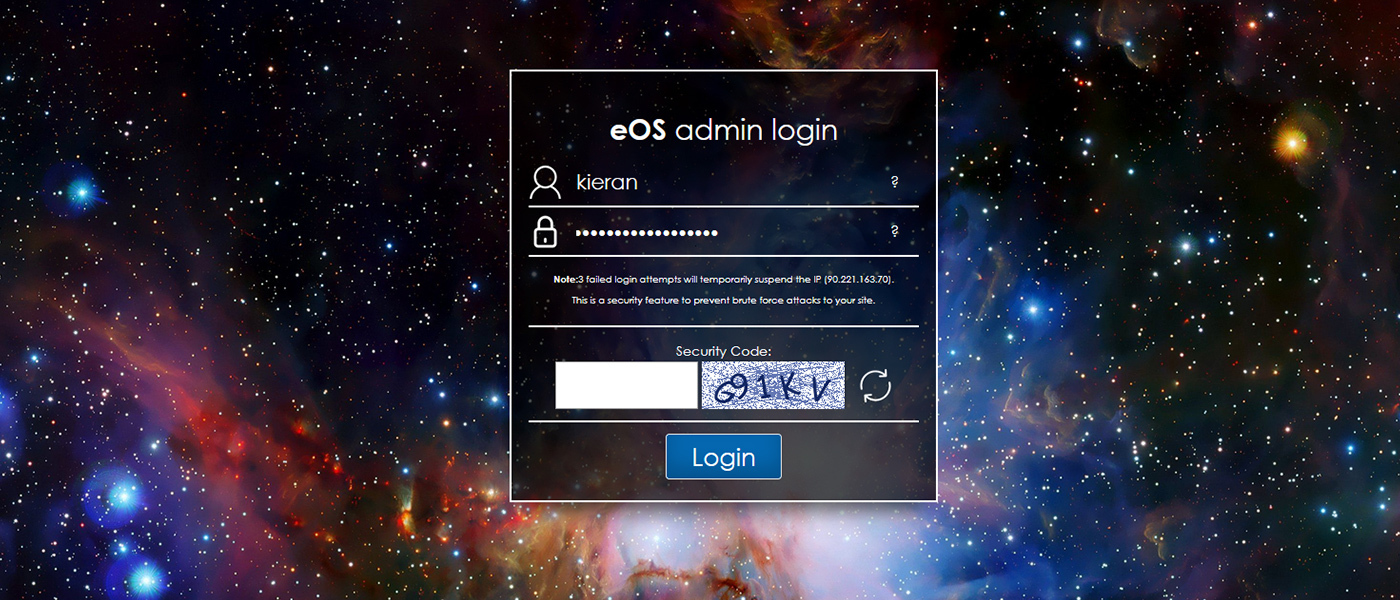
How to log in to your website admin area

How to log in to your website admin area

Let's get you logged in and ready to start editing your website!

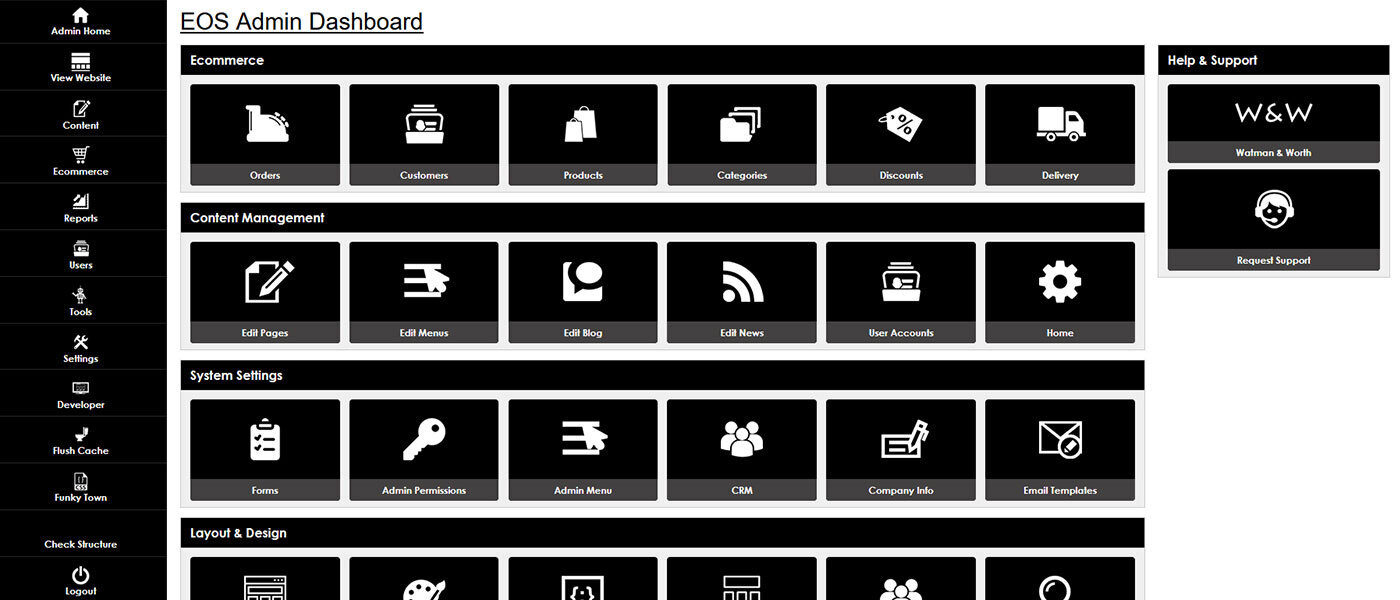
CMS Admin Dashboard Overview

CMS Admin Dashboard Overview

An introduction to your CMS Dashboard. The simple-to-use interface you will be using to manage your website content.

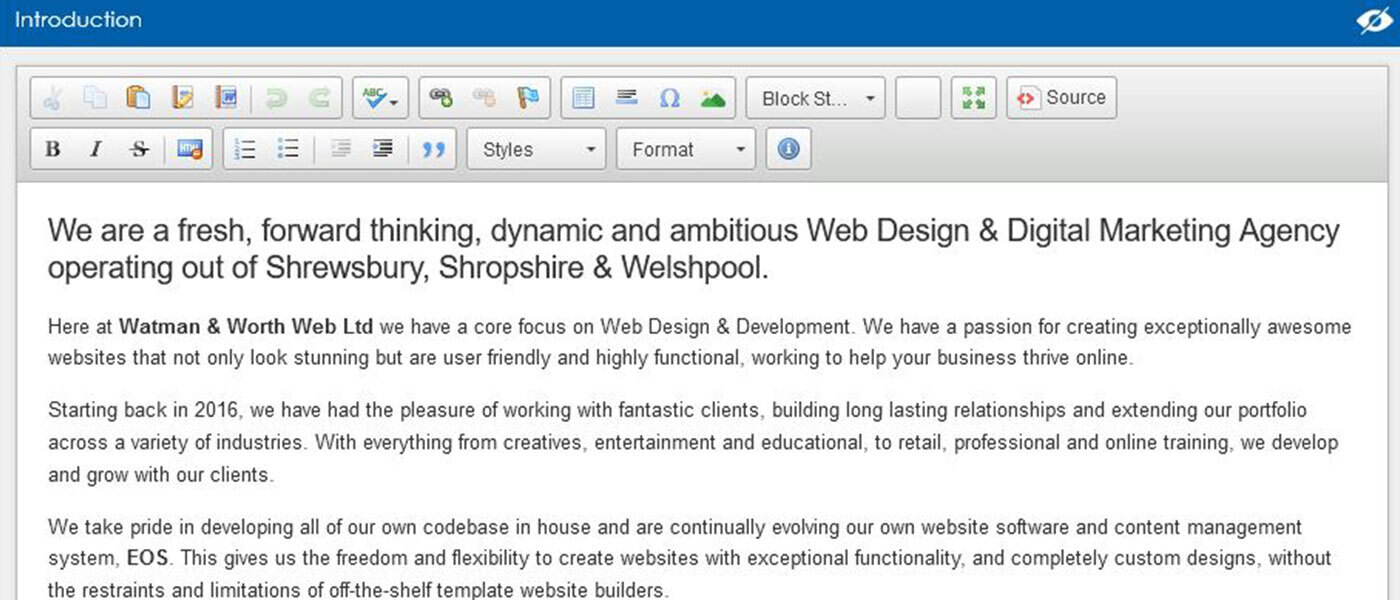
 CKEditor: WYSIWYG End User Guide

CKEditor: WYSIWYG End User Guide

Learn to use the website content editor. Format your text, insert images and more.

Create and manage your website custom pages

Create and manage your website custom pages

Learn how to create a new page for your website

Create and manage your categories

Create and manage your categories

Keep your content organised with categories so your customers can browse with ease.

How to hard refresh your browser

How to hard refresh your browser

When making changes to your website, always be sure to hard refresh to see the updated version.

Question & Answer management

Question & Answer management

Your Question and Answer feature is a great way to keep an open dialogue with your customers and website users regarding your products and services in a more public way.

How to create and manage your blogs

How to create and manage your blogs

Blogs are perfect for adding new and exciting content to your website and opening up conversation with your customers via social media.

How to create and manage your news articles

How to create and manage your news articles

News Articles are a fantastic way of providing fresh content to your website and users on topics relevant to your business and industry.

Product Browsing and Management

Product Browsing and Management

In your CMS managing your products couldn't be easier. You can browse, search, view, edit and delete all of your products through one easy to navigate hub.

Company information set up

Company information set up

Your company information section is where you will complete the contact, location and social media information for your website.

Editing your products

Editing your products

Learn how to edit the details, information and settings for your products

Product Options

Product Options

Your product options feature gives you the flexibility to give your customers choices within a single product to specify the variation of the item they would like to buy.

Bulk Buy Discounts

Bulk Buy Discounts

Offer savings to your customers for purchasing more of your product

Website menus - creation and management

Website menus - creation and management

Create clear and easy navigation for your website for a positive user experience

Order Management

Order Management

This area allows you to manage and update all orders that come through your website and automatically notify customers as you update their order.

Content access controls

Content access controls

Your Conteent Access Controls are a great way for you to restrict access to certain pages, categories or listings on your website.

File attachments and downloads

File attachments and downloads

This feature allows you to upload files to be displayed on your page, allowing users to click to download them to their device.