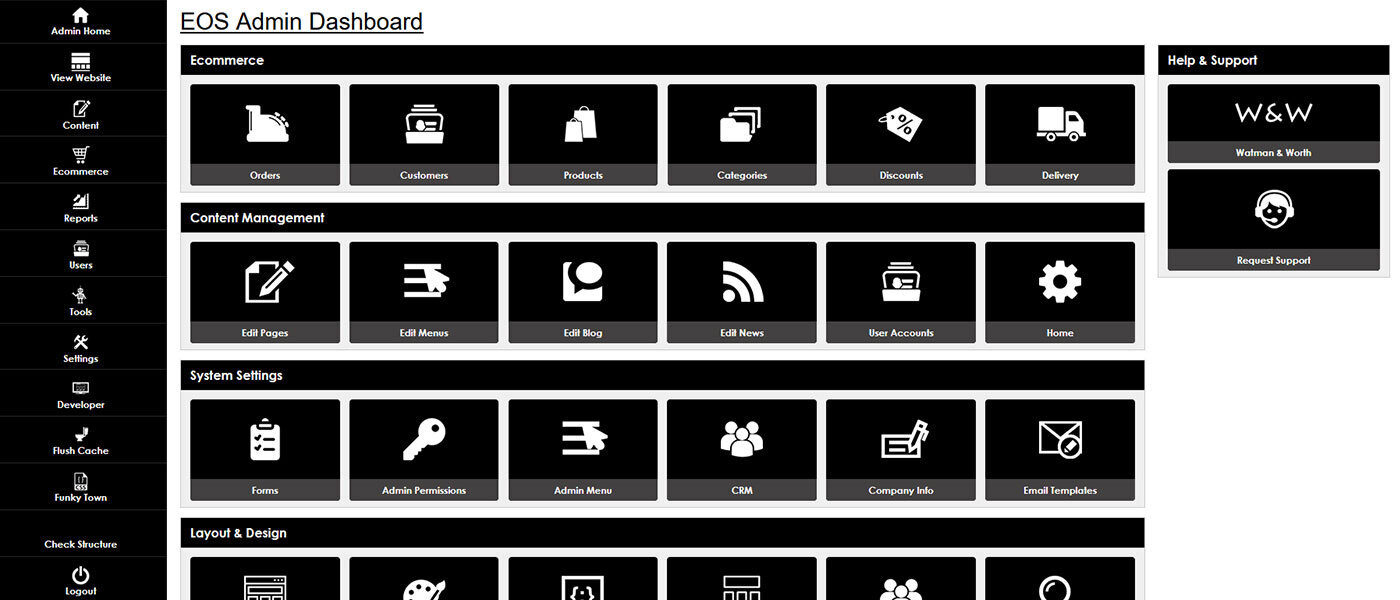



Always be sure that the company, contact and location information are correct and up-to-date on your website.
Your company information section is where you will complete the contact, location and social media information for your website. This is important to ensure that your website displays the correct information for your users and search engines such as Google and Bing.
Update your company information
To update your company information, first go to the "Settings" tab of your admin area. From the slide out tab, look under "General Settings" and click "Company Info". This will take you to the editing screen.
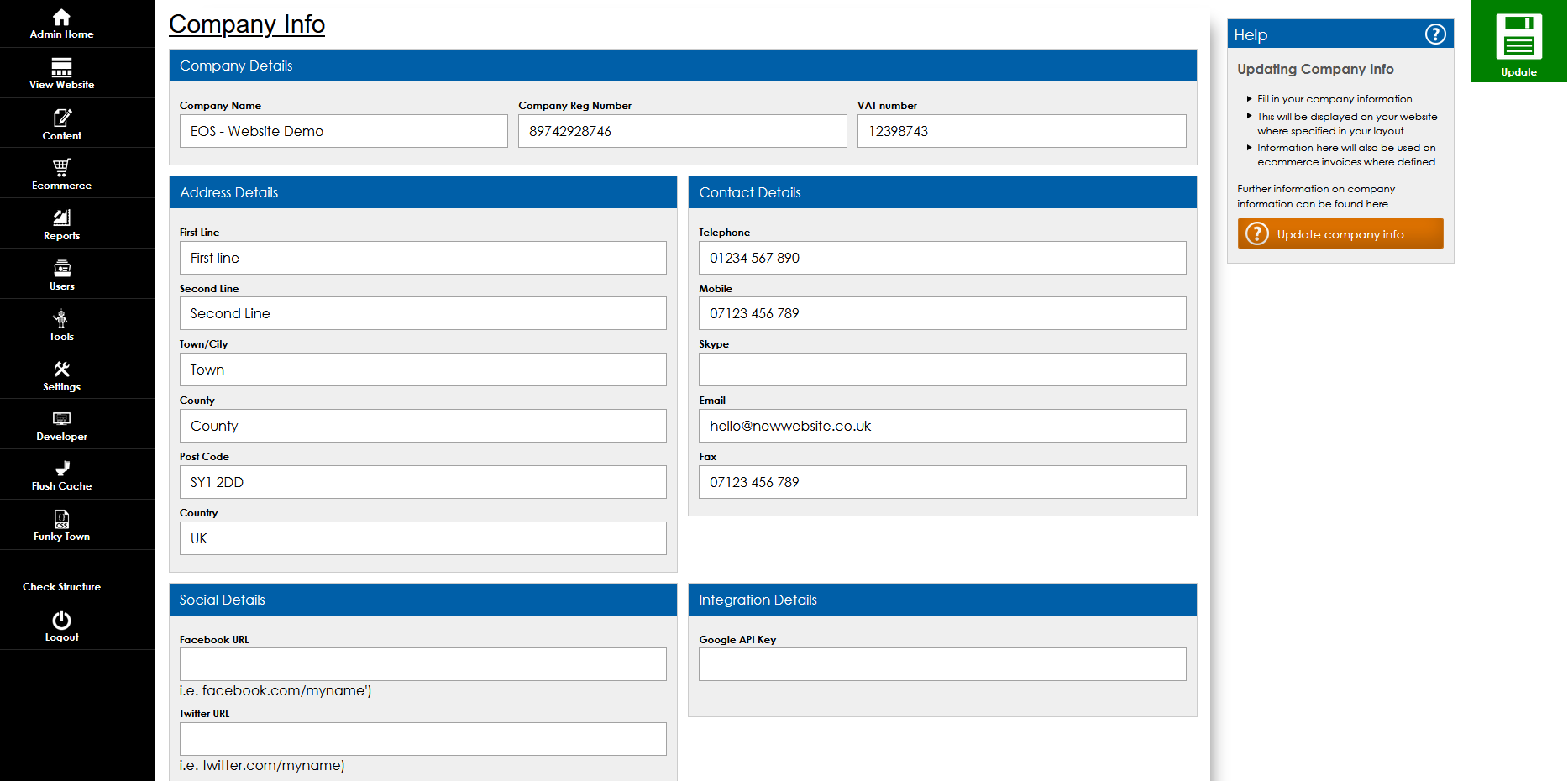
Fill in the company name, address, contact information and social media links.
Once filled in, these will display in the appropriate locations on your website. This will be determined by the layout constructed by your developer.
These may include locations such as your contact page, website header or footer, basket or checkout pages to mention a few.
This information, including the Company Registration Number and VAT number, can also be added to your invoice layout for ecommerce websites.
Remember;
Keep this information consistent throughout your online presence. Check your social media profiles, online directory listings and Google My Business information.
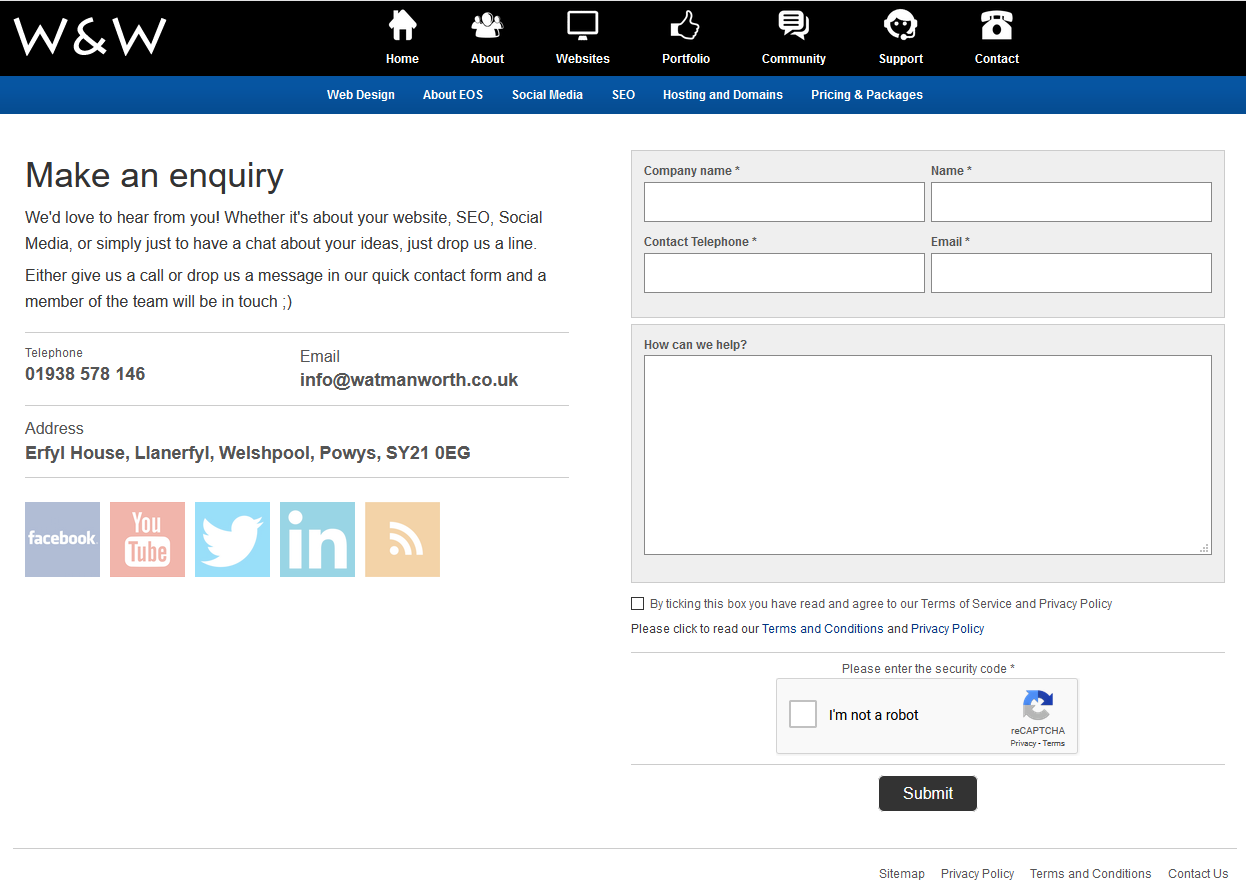
Company information display
Here is an example of a contact page where the company information is displayed.
Please note;
This information will only display where your developer has added the layout component to in your design. If you write company information into free text areas such as page content, descriptions or summaries, these will need to be manually updated in the instance of detail changes.